PDF Workflows That Stay Private
PDF · Published 2026-11-10 · Updated 2026-11-15 · 4 min read · By Tool Magic Lab Editorial Team
Table of contents
When a PDF tool asks you to upload a contract to an unknown server, you are trusting that server with everything in the document — names, prices, signatures.
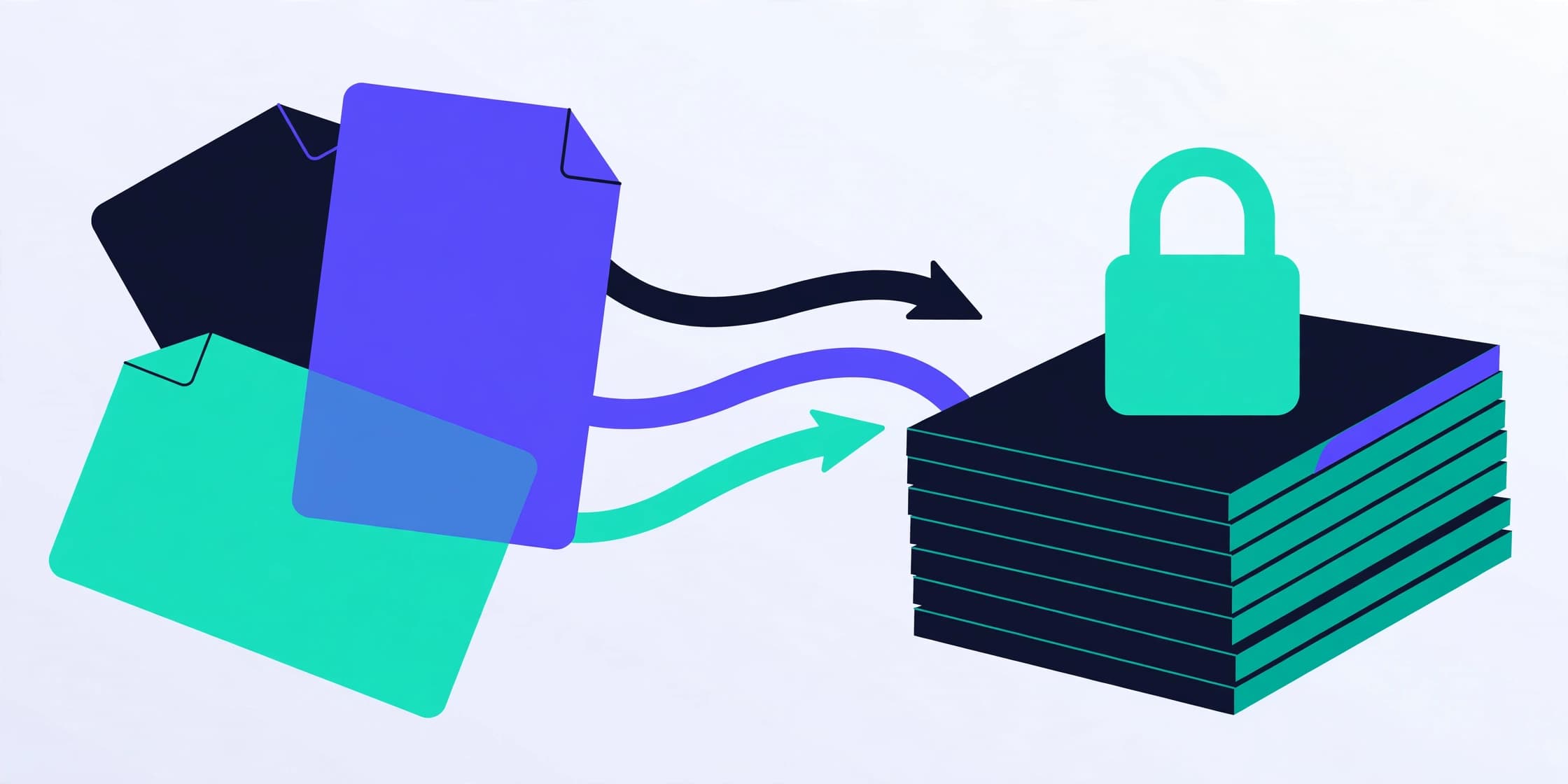
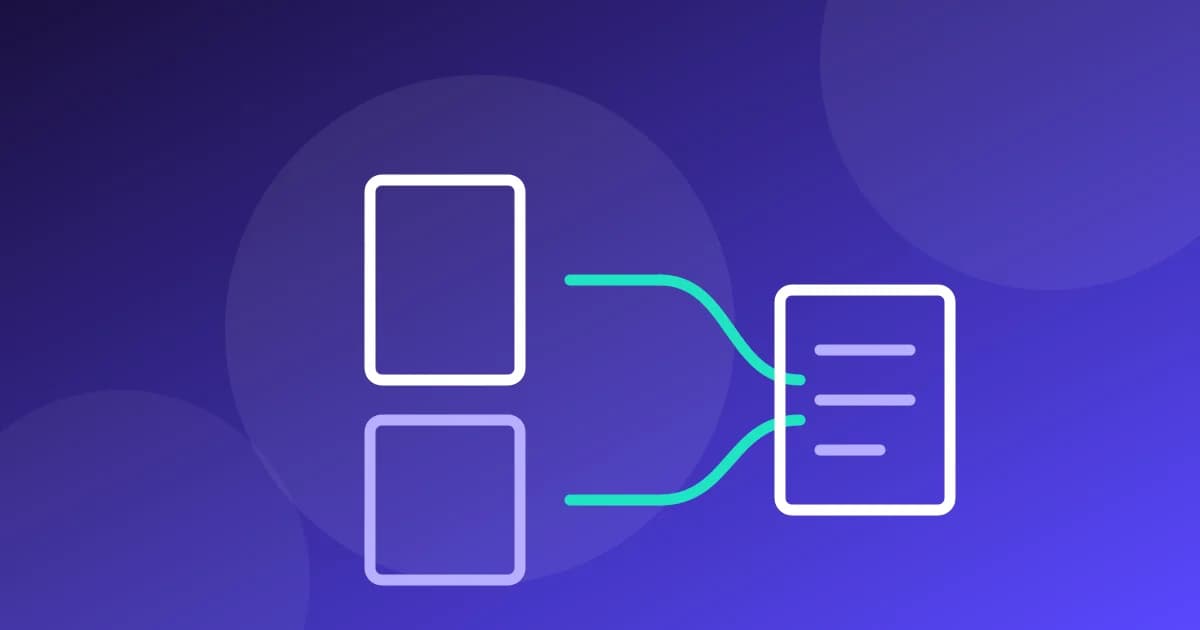
Modern browsers can do the same work locally. The PDF tools on Tool Magic Lab use pdf-lib running in your browser: merging, splitting, rotating and watermarking all happen on your device, and the file never travels over the network.
That architecture has limits — heavy OCR or server-grade compression still needs a server — and an honest tool tells you which is which instead of pretending.
Rule of thumb: if a document is sensitive, prefer tools that process it locally, and check the privacy note on the tool page before you start.
How to tell where a PDF tool runs
You do not need to take a tool's word for its architecture. Three checks reveal it. First, the upload test: if the tool shows an upload progress bar to a server before processing, your file is travelling. Second, the disconnect test: load the tool page, switch off your network, and run it — browser-based tools keep working because everything they need is already on your device. Third, the network tab in your browser's developer tools shows exactly what leaves the machine, for any tool, on any site. Thirty seconds of verification beats any privacy policy paragraph — including ours, which is why our tool pages state the processing location next to the tool itself.
When a server is genuinely necessary
Honesty cuts both ways: some PDF jobs cannot run in a browser at professional quality. OCR of scanned documents, extreme compression of image-heavy files, and faithful PDF-to-Word reconstruction of complex layouts are server-class work. The privacy question then becomes the operator's retention policy — how long the file is kept, whether it is used for anything else, and how deletion works. Choose providers that answer those questions in writing, and keep truly sensitive documents off any server whose answers you have not read. Our complete PDF tools guide maps each common job to its honest processing location.
Frequently asked questions
**Are browser-based tools slower?** For ordinary documents, no — modern devices process pages in milliseconds to seconds. Very large files (hundreds of pages, huge scans) can strain a phone's memory; that is a capability limit, not a privacy one.
**Does 'no upload' mean the site collects nothing at all?** Processing and analytics are different things. A site can process your file locally while still running ordinary visit analytics; the privacy policy should distinguish the two, as ours does.
Written by the Tool Magic Lab Editorial Team. Tool Magic Lab content is produced with AI assistance and editorially reviewed for accuracy — see our AI Usage Disclosure and Editorial Policy.