How to Convert PDF Documents (And When Conversion Goes Wrong)
PDF · Published 2026-11-04 · Updated 2026-11-15 · 7 min read · By Tool Magic Lab Editorial Team
Table of contents
PDF was designed to freeze a document's appearance, not to be edited — which is why converting out of PDF ranges from trivial to genuinely hard depending on what is inside the file. Understanding what a converter actually does tells you which results to trust and which to check line by line.
The three kinds of PDF content
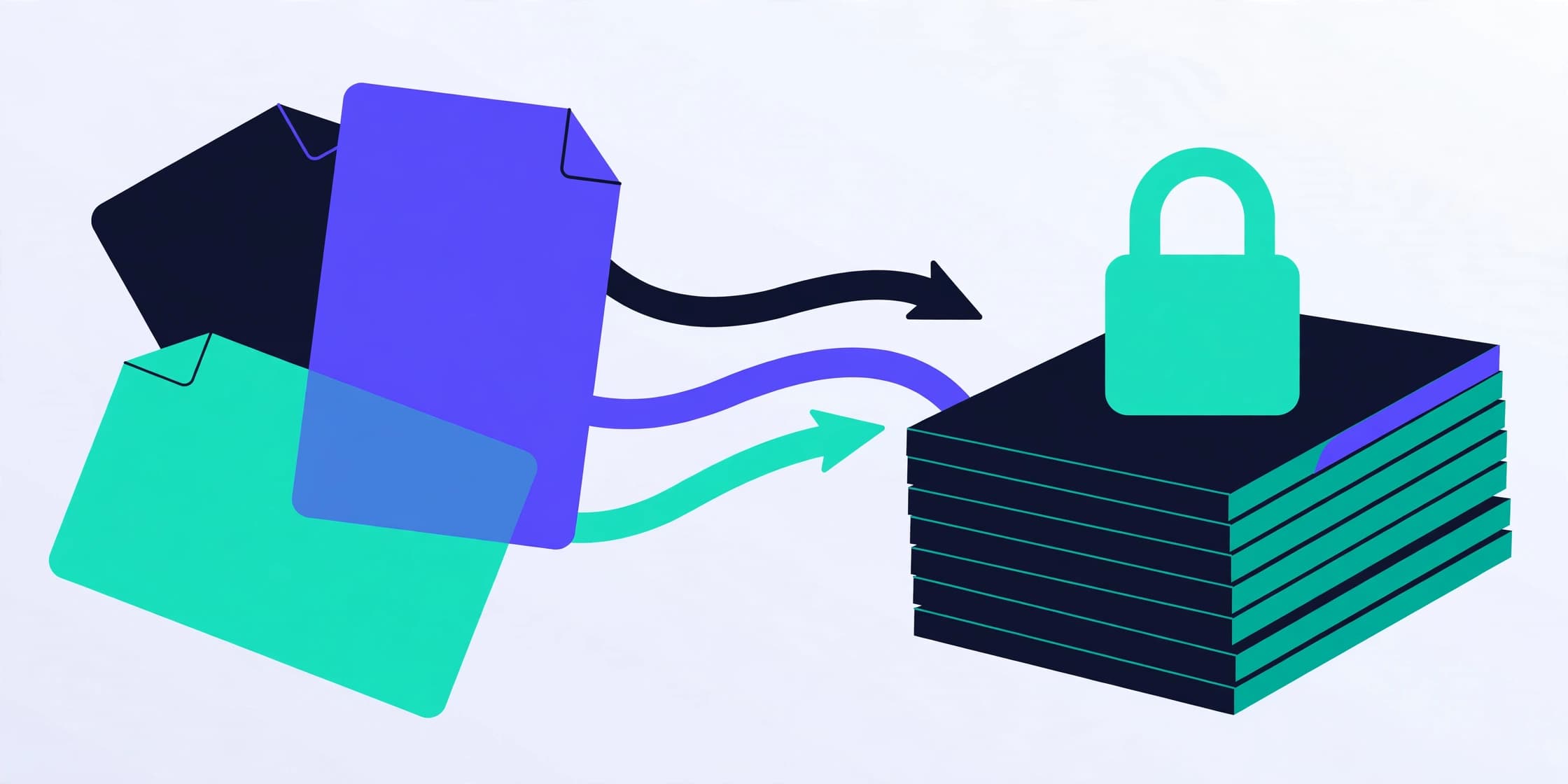
A PDF page can contain real text (characters with fonts and positions), vector drawings, and raster images — including scanned pages, which are just photographs of text. Conversions behave completely differently for each. Real text converts cleanly. Scans need OCR (optical character recognition) before any text exists to convert, and OCR quality decides everything downstream. Mixed files — a text report with scanned signature pages — convert in patches, which is the number-one cause of 'the converter lost half my document' reports.
PDF to Word and text: what to expect
A good PDF-to-Word converter reconstructs paragraphs, headings and tables from character positions. It is inference, not time travel: multi-column layouts, footnotes and text boxes are educated guesses, and complex tables often arrive as approximations. PDF to Text is simpler and more honest — it extracts the character stream, losing layout but keeping content, which is exactly right for searching, quoting and feeding other tools. On Tool Magic Lab, PDF text extraction runs in your browser; full Word reconstruction with layout is the kind of job we label clearly when it needs heavier machinery, rather than pretending a rough result is a faithful one.
PDF to images and images to PDF
Rendering pages to JPG or PNG is deterministic: pick a resolution (150 DPI for screen, 300 for print), and every page becomes a picture — text no longer selectable, file size growing with DPI. The reverse, images to PDF, is equally reliable and is how most 'scan to PDF' phone workflows actually work. Both directions run locally in the browser with the PDF to JPG, JPG to PDF and sibling converters, which makes them safe for sensitive pages.
Documents to PDF
Word, spreadsheet and presentation files convert to PDF by rendering them through their layout rules. Fonts are the trap: if the converting machine lacks the document's fonts, substitutes change line breaks and pagination. When fidelity matters, embed fonts or convert on a machine that has them, and always eyeball page breaks before sending.
The verification habit
Whatever the direction, check three things in the output: a page count that matches expectations, one complex page inspected closely (the busiest table, the densest layout), and one search for a distinctive word to confirm text survived as text. Thirty seconds of verification is the difference between conversion as a tool and conversion as a lottery.
Frequently asked questions
**Why did my PDF-to-Word file lose its tables?** The converter inferred structure from spacing. Simpler table layouts convert better; for critical documents, expect to rebuild complex tables manually.
**Can a scanned PDF become editable text?** Only via OCR. If a tool claims conversion without mentioning OCR for scans, test it with one page before trusting it with a hundred.
**Is converting confidential PDFs online safe?** Prefer converters that run in your browser for anything sensitive, so the document never leaves your device.
Written by the Tool Magic Lab Editorial Team. Tool Magic Lab content is produced with AI assistance and editorially reviewed for accuracy — see our AI Usage Disclosure and Editorial Policy.